Windows → Mac · Playable
Heroes of Might and Magic IV on Mac
Heroes IV with both expansions as a regular Mac app for Apple Silicon. Uses your own copy from GOG.
The port is in Ukrainian for now.
What you get
- Native on Apple SiliconThe game's code is recompiled for the Mac: it opens from its icon like any other app.
- Both expansionsThe Complete Edition: the base game, The Gathering Storm and Winds of War.
- In UkrainianInterface, campaigns and campaign voice-over. The Gathering Storm stays in English.
- Widescreen and RetinaWide screen and a sharp picture, with a smoothing filter on F10.
- Smooth animationFluid movement on the adventure map and in combat.
- One-step setupOne command installs everything from your GOG installer, in about 40 minutes.
Screenshots
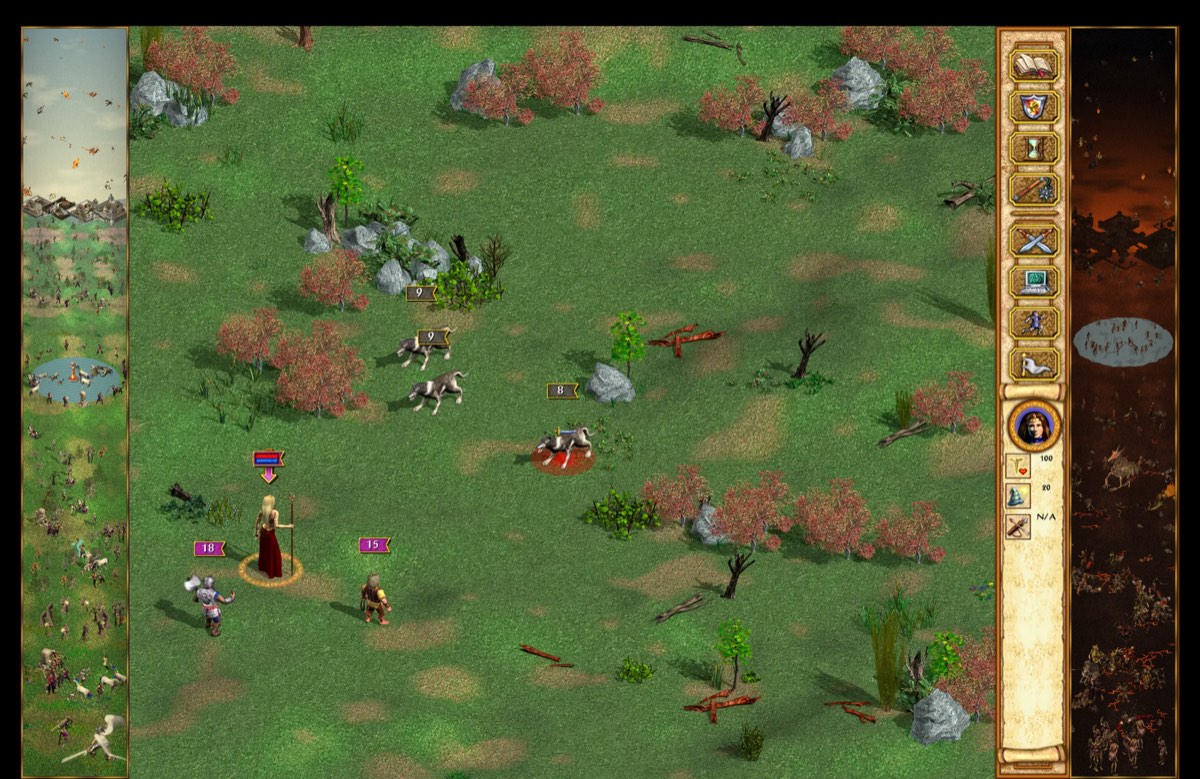
Screens from the port's automated test runs on a Mac.
What you need
- A Mac with an Apple chip (M1, M2, M3, M4 or newer), macOS 13 or later.
- Your own copy of Heroes of Might and Magic IV: Complete Edition from GOG. The game itself is not included.
- About 5 GB of free space and an internet connection.
How to install
- Download the Windows installer of the game from your GOG library (don't run it).
- Download the port and
heroes4-mac-assets.zipfrom GitHub Releases. - Open Terminal and install Homebrew, if you don't have it.
- Run the port's setup command: it builds the game from your installer.
- Open Heroes IV from Applications and play.
Questions
Can I play Heroes of Might and Magic 4 on an M1 Mac?
Yes. This port runs Heroes IV natively on M1, M2, M3 and M4 Macs, as a regular Mac app.
Wasn't there already a Mac version of Heroes IV?
Yes, in 2002, for PowerPC Macs and Mac OS 9/X. It does not run on modern Macs; this port is native on Apple Silicon.
Is there an English version?
Not yet: today the port is in Ukrainian. The Gathering Storm campaigns stay in English.
Do I need to buy the game?
Yes, the Complete Edition on GOG. The port contains no game files; it builds the game from your installer.
How long does installation take?
About 40 minutes, of which about 10 are your work.
Do I need Wine or CrossOver?
No. It's a regular Mac app, no Wine or CrossOver needed.
Is it free?
Yes. The port's code is MIT-licensed and free.