Xbox → Mac · Playable
The Lord of the Rings: The Return of the King on Mac
The original Xbox game, rebuilt as a native app for Apple Silicon Macs: 60 fps, your screen's native resolution, a gamepad; in Ukrainian or English. You bring your own disc.
The installer is not public yet; it will be linked here when it is.
What you get
- A real Mac appThe Xbox game is rebuilt into a regular app for Apple Silicon Macs. Click the icon and play.
- 60 fps, 120 on ProMotionSteady 60 frames per second, and 120 on ProMotion displays.
- Your Mac's native resolutionThe picture is rendered for your screen instead of being stretched.
- Three colour modesOriginal, Modern and Warm.
- English and UkrainianEnglish by default, Ukrainian with a switch in the launcher. The voices are the original ones.
- Gamepad, skippable cutscenesXbox or PlayStation controllers, with matching button prompts. Hold A to skip a cutscene.
Screenshots
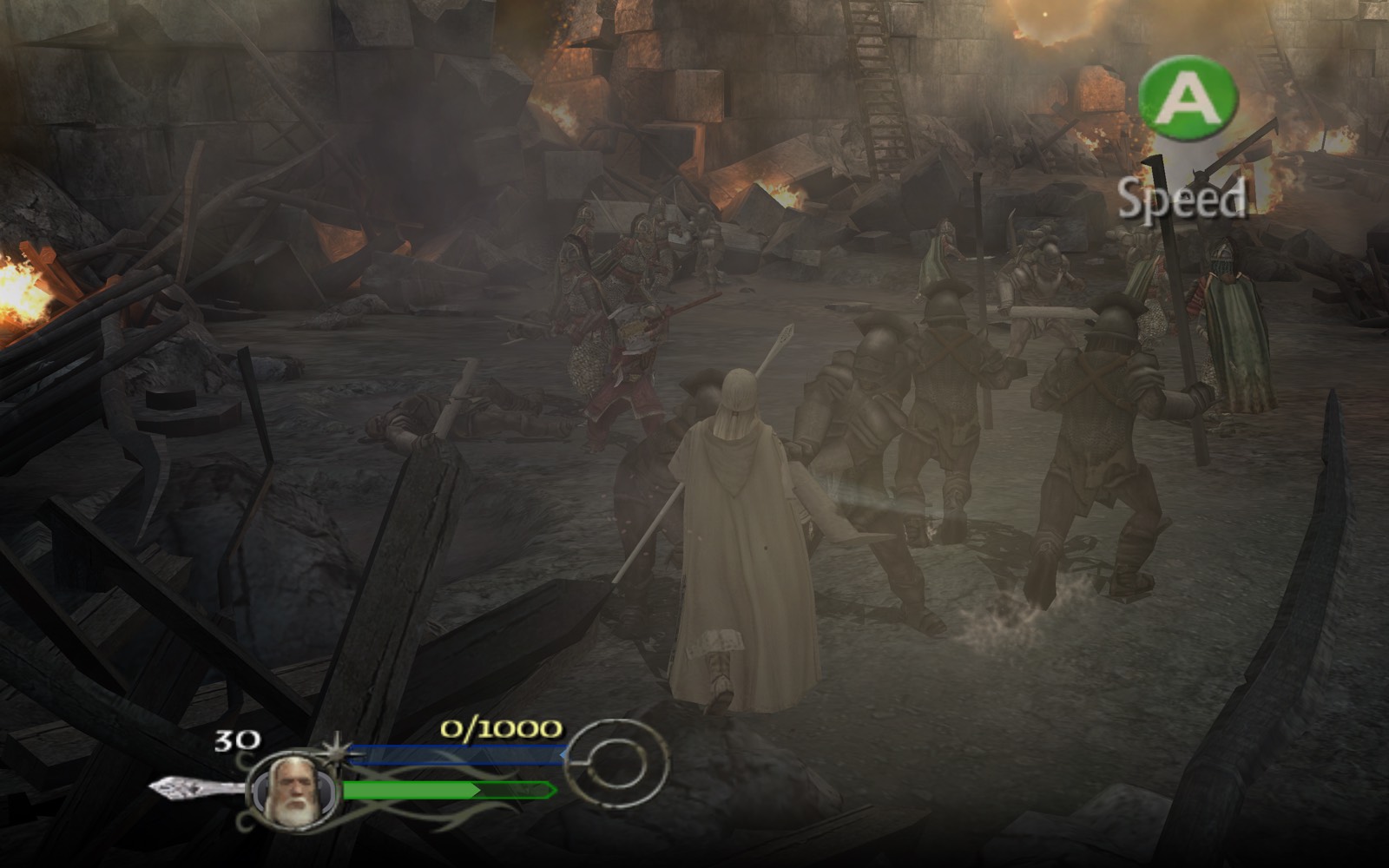
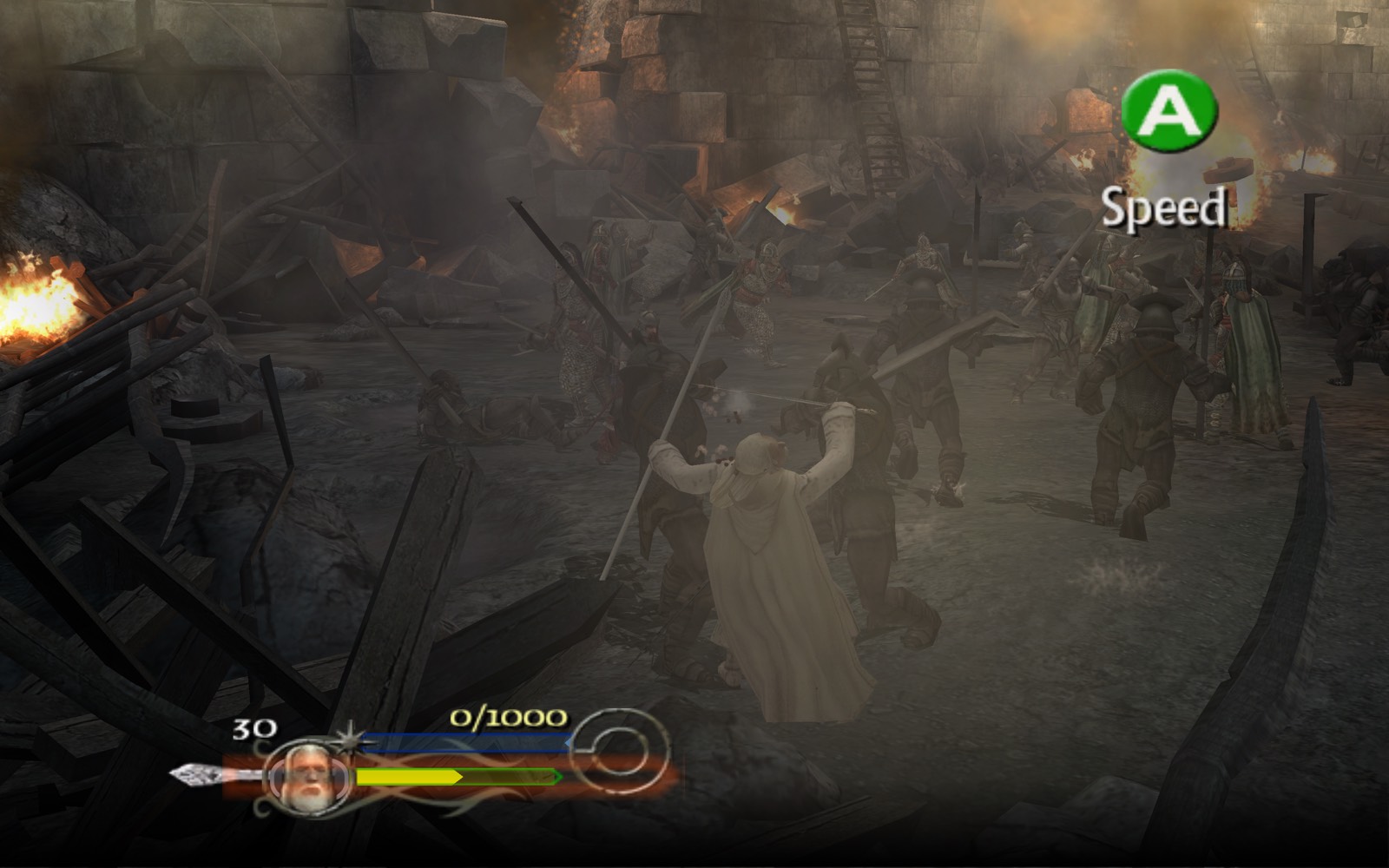
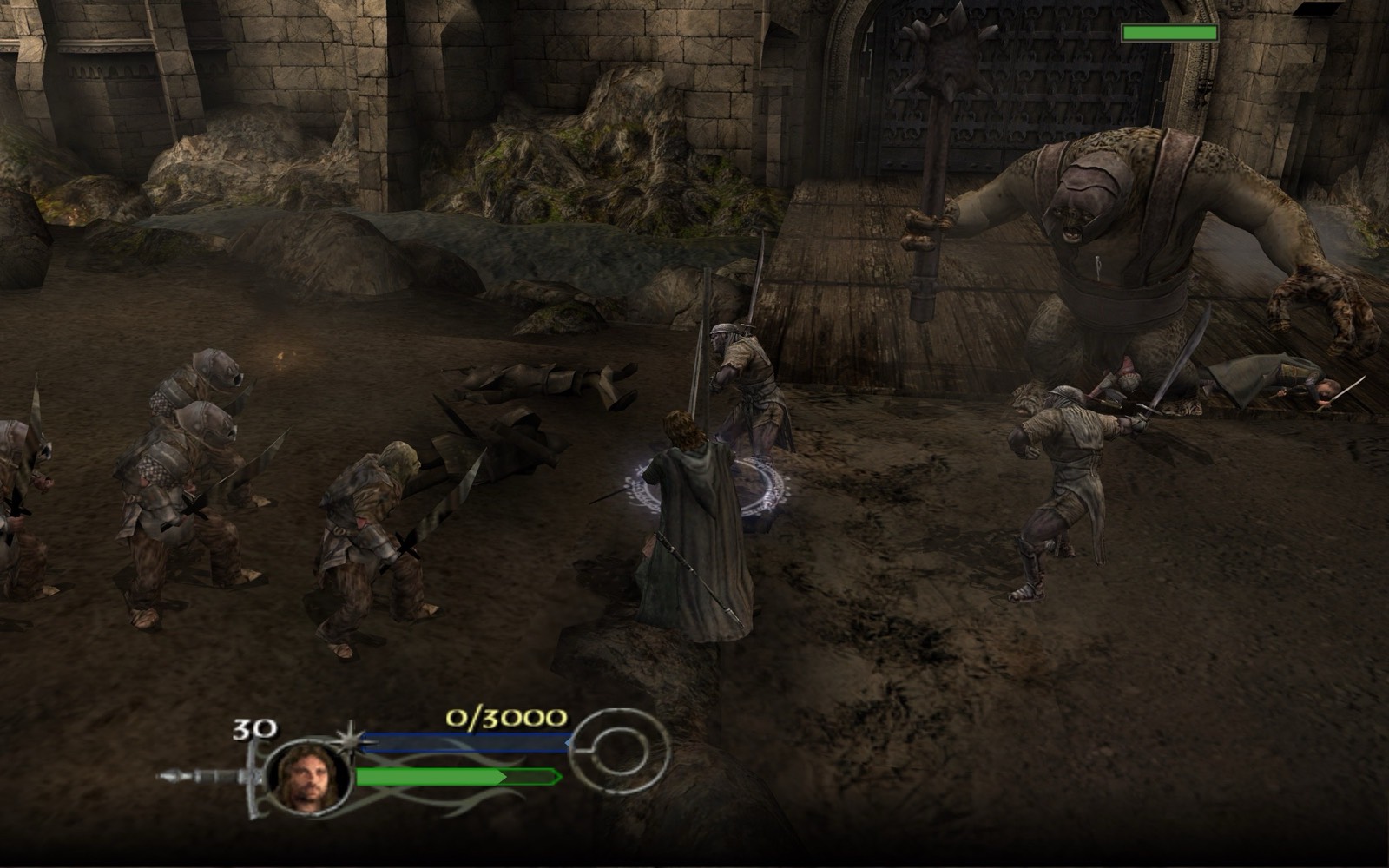
Screens from the port's automated test runs on a Mac.
What you need
- A Mac with an Apple chip (M1 or newer).
- Your own disc of The Lord of the Rings: The Return of the King for the original Xbox, US version, as a disc image. The game itself is not included. The European version has not been tested.
- A gamepad: the game is made for one and does not support a keyboard.
- About 6 GB of disk space during installation; the installed game takes about 3.8 GB.
How to install
- Make an image of your Xbox disc (US version).
- Open the Deadware installer. It is 8.5 MB and contains no game code or data: the game is built on your Mac.
- Point it to your disc image. If macOS asks for Apple's Command Line Tools, install them.
- Open the game from its icon. With the tools already installed, the build takes about a minute and a half.
Questions
Can I play The Lord of the Rings: The Return of the King on a Mac?
Yes. Deadware rebuilds the original Xbox version as a native macOS app for Apple Silicon Macs, from your own disc.
Can I play with a keyboard?
No. It's a console game made for a gamepad, so you need one: Xbox or PlayStation.
Which disc do I need?
The US version for the original Xbox. The European version has not been tested.
Is there a Ukrainian voice-over?
No. The text is in Ukrainian or English; the voices are the original ones.
Does it work on Intel Macs?
No, only Macs with an Apple chip (M1 and newer).
Do I need an emulator like xemu?
No. It's a regular Mac app: install it and play.